The Radar switch PLA switch SET switch button For Tiguan II Tiguan L Tiguan 2 5NG 927 238 A 5NG927238A controls parking assistance and panoramic camera functions in Volkswagen Tiguan models from the second generation. This dashboard-mounted switch allows drivers to toggle radar-based parking systems and camera views, making it an essential component when the original unit fails or becomes unresponsive.
Understanding OEM Part Numbers and Compatibility
The primary part numbers for Tiguan II radar switches are 5NG927238A and 5NG927238B. These switches fit Tiguan II, Tiguan L, and Tiguan MK2 models within the 5NG chassis designation. The difference between A and B variants typically involves minor revision updates in connector design or internal circuitry, though both function identically for parking assistance features. Volkswagen implemented these switches across multiple market variations, including the Chinese-market Tiguan L and the global Tiguan II platform.
Model year compatibility spans primarily from the introduction of the second-generation Tiguan through recent production years. The 5NG chassis code identifies the specific generation, ensuring proper electrical integration with the vehicle's parking assistance control module. Some variants also support panoramic camera switch functionality, which uses the same mounting location and connector configuration but activates different camera views.
Switch Function and System Integration
The PLA (Park Lenk Assistent) switch activates Volkswagen's parking assistance system, which uses radar sensors to detect parking spaces and guide steering input. The SET button portion allows drivers to activate or deactivate the system and toggle between different parking modes. When pressed, the switch sends electronic signals through the vehicle's CAN bus network to the parking assistance control unit, which then activates front and rear radar sensors.
This switch integrates with the vehicle's existing electrical architecture through a dedicated connector that plugs directly into the dashboard wiring harness. The connector features multiple pins for power supply, ground, and bidirectional communication signals. Some Tiguan models equipped with panoramic camera systems use the same physical switch location, though the switch itself may feature different labeling or activate camera views instead of parking assistance.
Installation Process and Technical Requirements
Replacing the radar PLA switch requires accessing the dashboard control panel area. Begin by carefully prying the switch panel trim from the dashboard using a plastic trim removal tool to avoid scratching surrounding surfaces. The panel typically secures with clips rather than screws in this location, though nearby sections may have hidden fasteners. Once the panel releases, disconnect the electrical connector by pressing the locking tab and pulling straight back from the switch housing.
The switch itself usually mounts into the panel with clips or a twist-lock mechanism. Remove the old switch by releasing these clips or rotating counterclockwise, depending on the specific design. Install the new switch by aligning it properly with the panel opening and pressing or rotating until it clicks into place. Reconnect the electrical connector, ensuring the locking tab engages fully, then test the switch function before reinstalling the trim panel.
No coding or programming is typically required for basic switch replacement, as the switch acts as a simple input device for the existing control module. However, if the vehicle previously lacked parking assistance features, additional coding through dealer-level diagnostic equipment would be necessary to activate the system functionality. The switch alone cannot add features not already present in the vehicle's configuration.
OEM Versus Aftermarket Quality Indicators
Genuine OEM switches from Volkswagen feature specific material quality and finish characteristics that distinguish them from aftermarket alternatives. Original switches use higher-grade plastics with precise color matching to surrounding dashboard trim, typically in matte black with silk-screened icons that resist fading. The button action should feel smooth with positive tactile feedback and an audible click when pressed.
Aftermarket switches may vary in button resistance, icon printing quality, and long-term durability. Check for proper connector pin configuration and ensure the seller specifies OEM-equivalent quality rather than generic replacements. Lower-quality switches sometimes exhibit mushier button action, icons that wear off quickly, or connectors that don't seat firmly in the wiring harness. Genuine parts typically include Volkswagen logo markings on the back of the switch housing.
Recommended Products
Hand-picked accessories related to this article
SaleRadar switch PLA switch SET switch button For Tiguan II Tiguan L Tiguan 2 5NG 927 238 A 5NG927238A 2017-2019
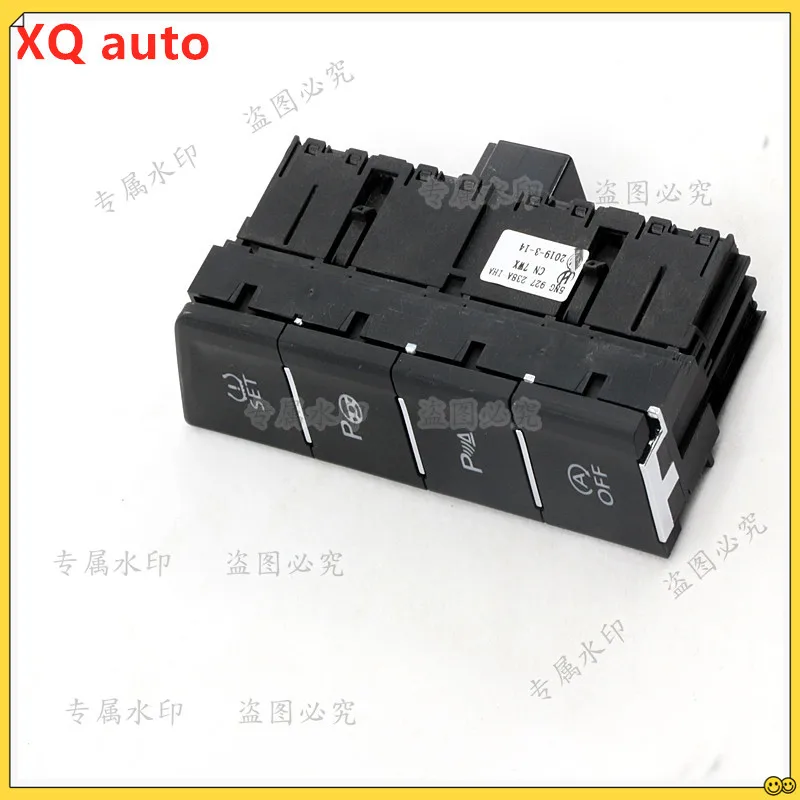
For Volkswagen VW Tiguan L 2 Radar switch PLA SET button or Panoramic camera switch 5NG927238A
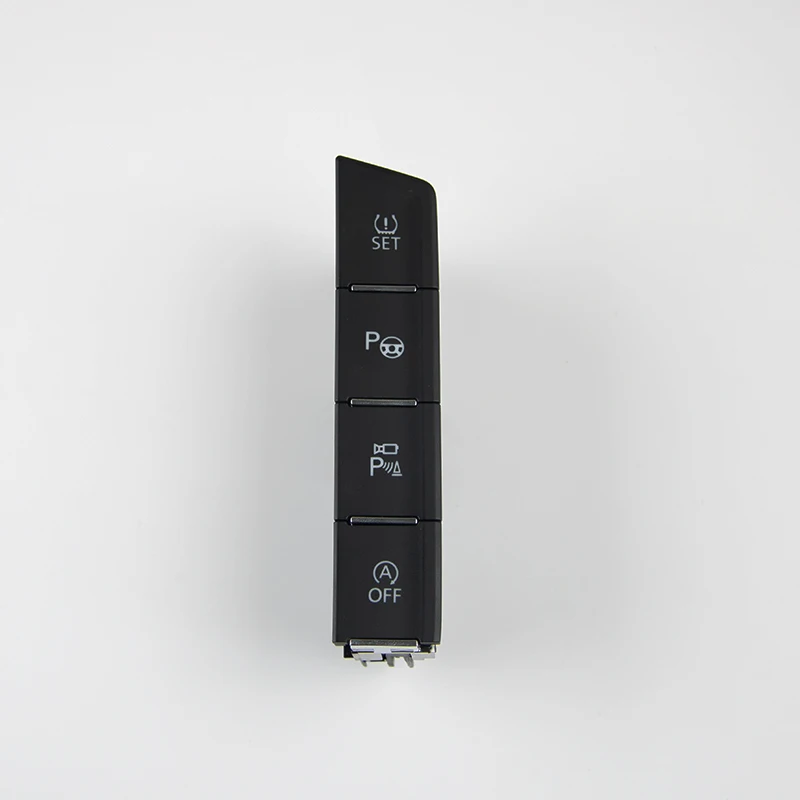
For VW Tiguan II Tiguan L Tiguan MK 2 Radar Switch PLA Switch SET Switch Button 5NG 927 238 B 5NG927238B 2017-2019
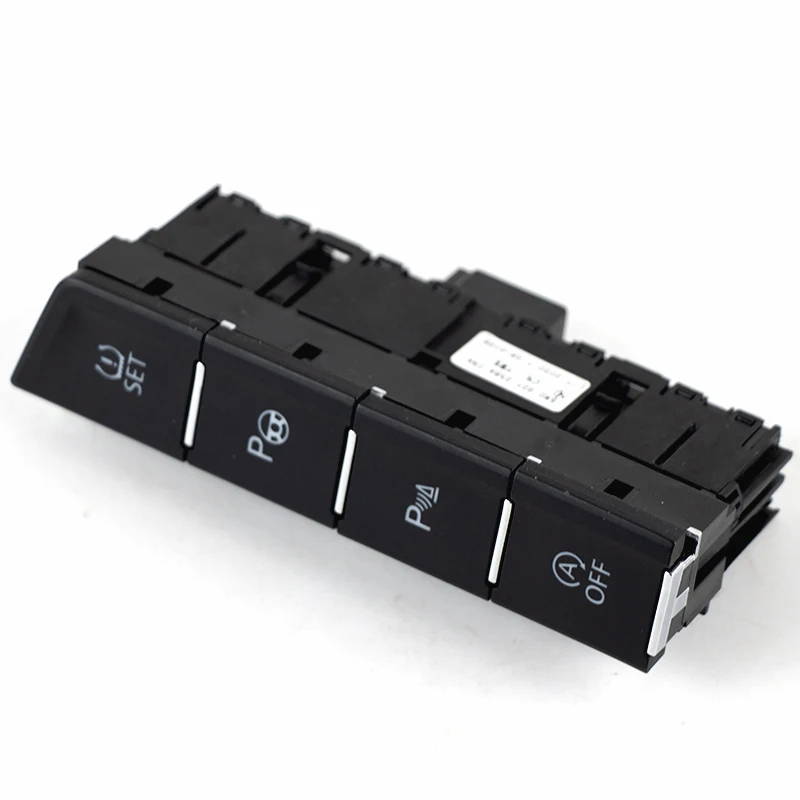
5NG927238A OEM Radar switch PLA switch SET Switch Button For VW Tiguan L Tiguan MK2 5NG 927 238 A 5NG 927 238A 5NG927238B

OEM Radar Switch PLA Switch SET Switch Button For VW Tiguan II Tiguan L Tiguan MK 2 5NG 927 238 B 5NG927238B 2017-2019
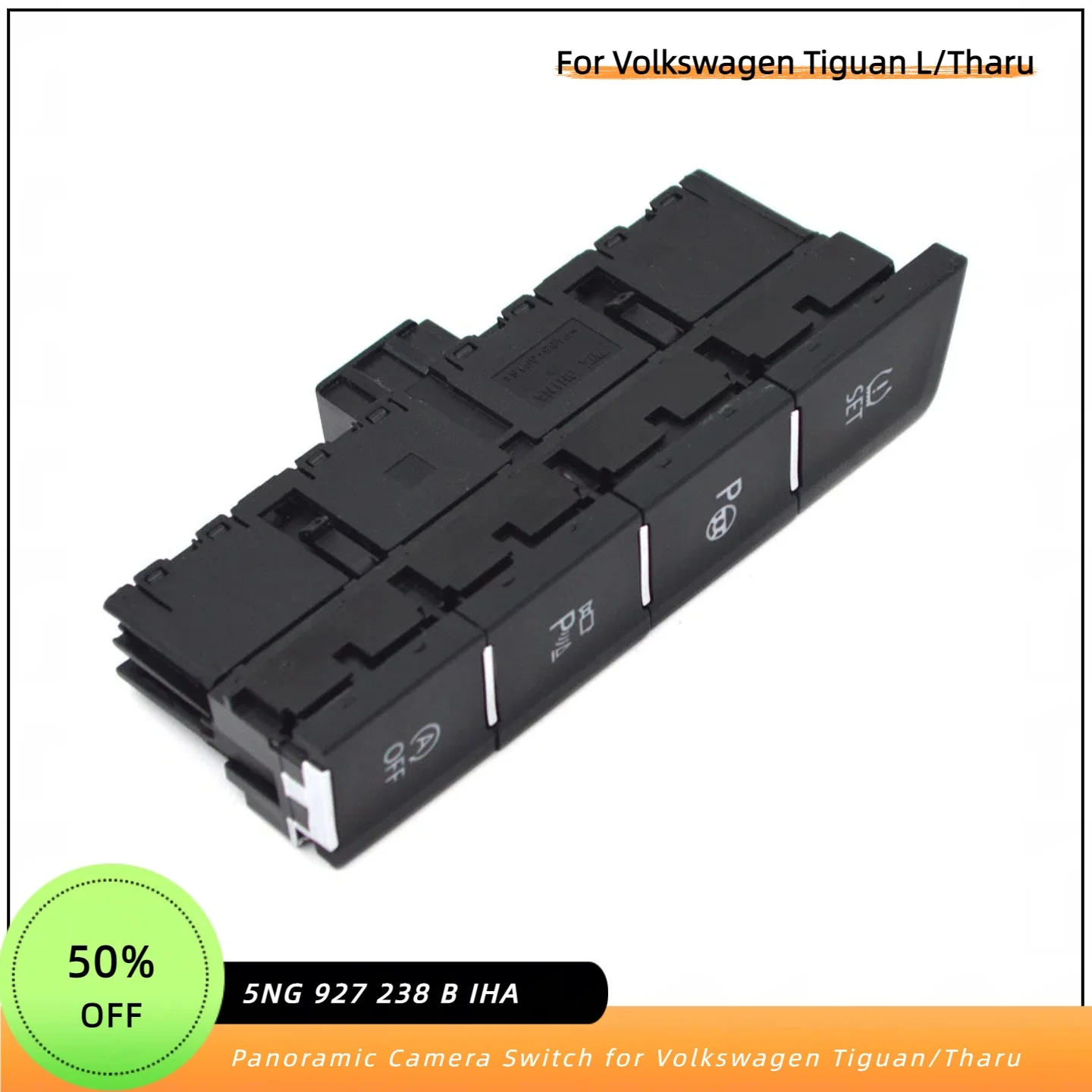
For Volkswagen Tharu VW Tiguan L 2 Radar switch PLA switch SET switch button or Panoramic camera switch 5NG 927 238 B IHA
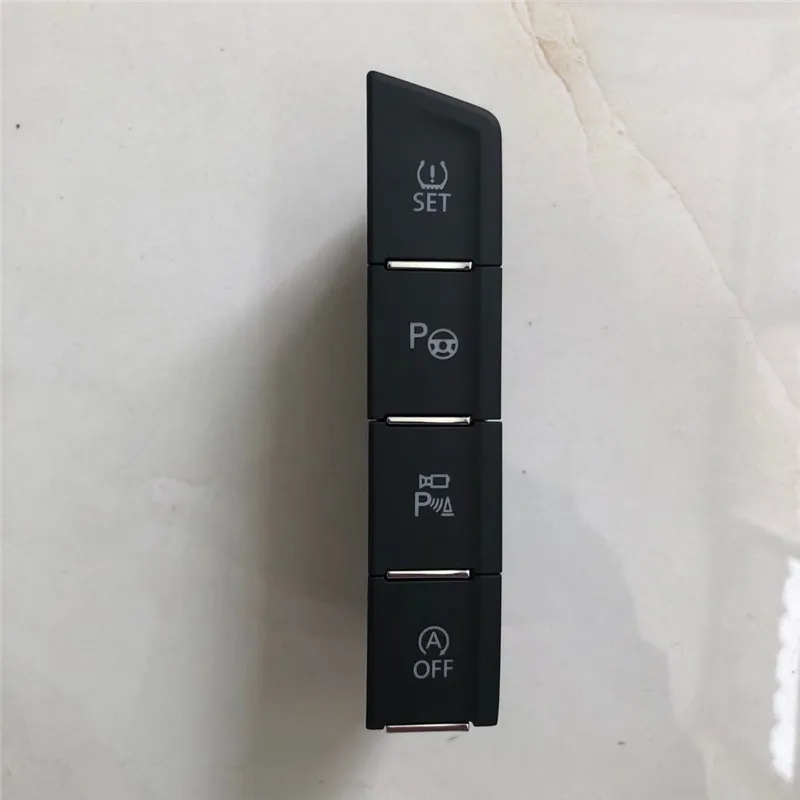
For Volkswagen VW Tiguan 2 Radar switch PLA switch SET switch button or Panoramic camera switch
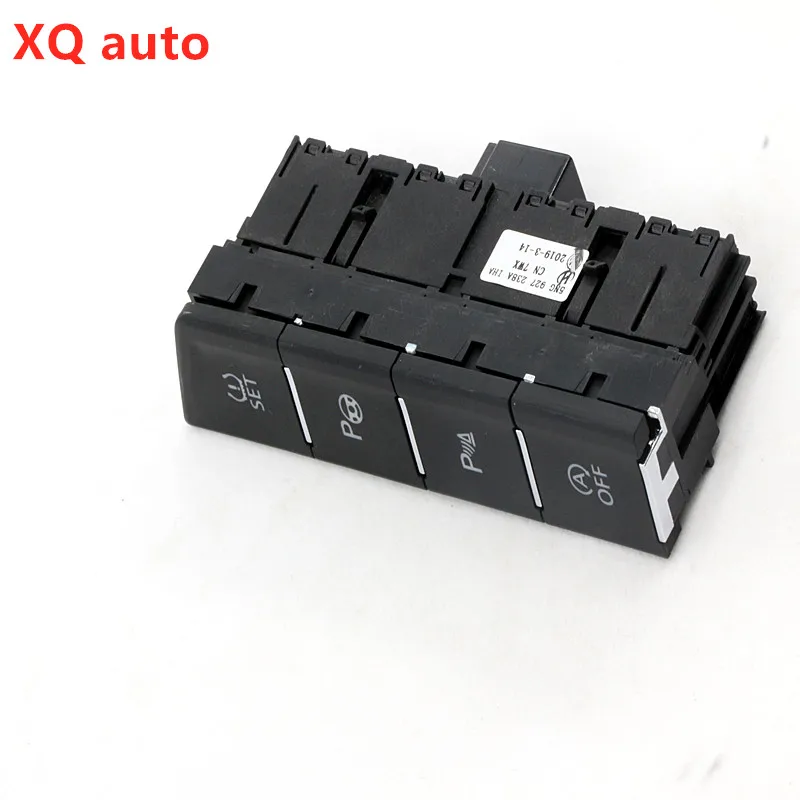
For Volkswagen VW Tiguan L 2 Radar switch PLA switch SET switch button or Panoramic camera switch 5NG927238A
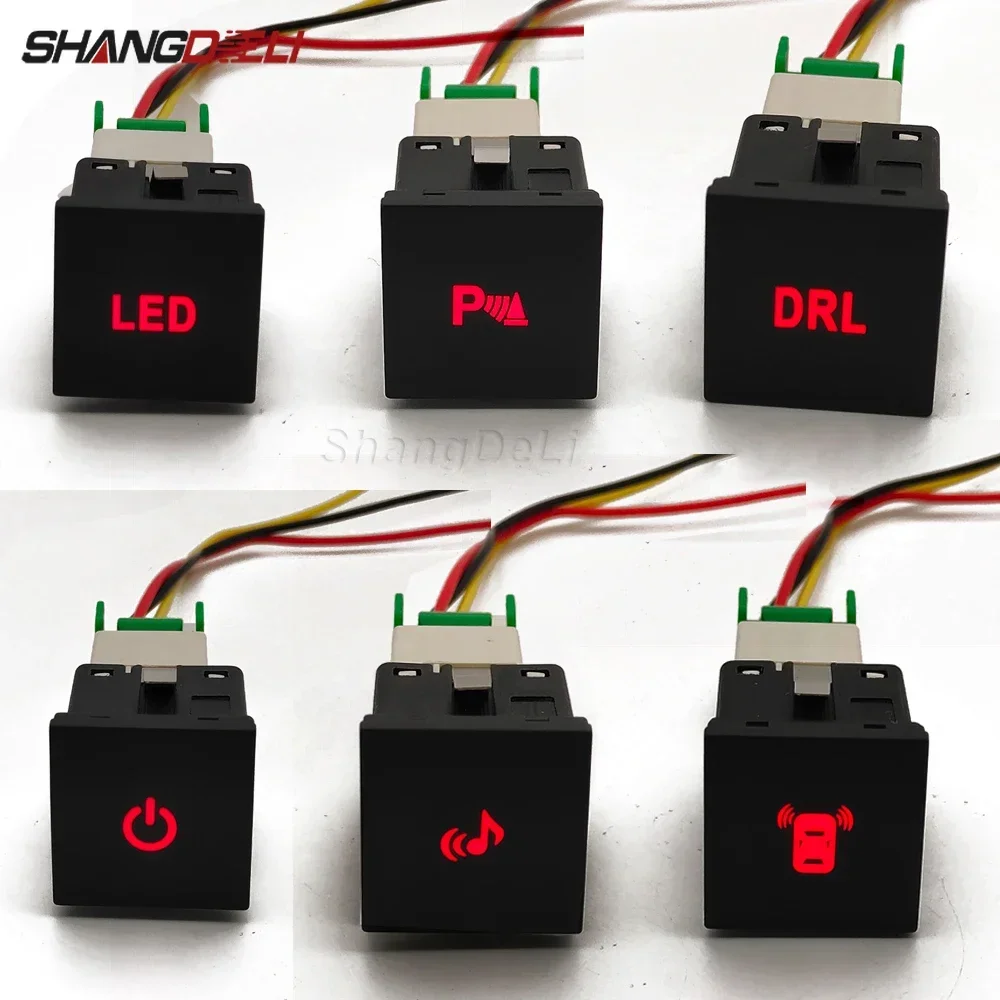
1 Pc Car Red LED DRL Light Packing Radar Power On Off Camera Mirror Switch Button For VW Golf 6 Jetta 5 MK5 Scirocco Accessories
Common Issues and Troubleshooting
Failed radar PLA switches typically manifest as unresponsive buttons, intermittent operation, or complete loss of parking assistance system control. Physical wear from repeated button presses can damage internal contact points, while moisture infiltration may corrode electrical connections. Some switches fail due to electrical surges during system malfunctions or battery disconnect procedures performed incorrectly.
Before replacing the switch, verify that the parking assistance system itself functions properly. Use a diagnostic scanner to check for fault codes in the parking assistance control module. If codes indicate sensor failures or control module issues rather than switch input problems, replacing the switch won't resolve the underlying fault. Test the switch connector for proper voltage and ground signals using a multimeter to confirm the wiring harness delivers correct electrical supply.
Key Takeaways
- Part numbers 5NG927238A and 5NG927238B fit Tiguan II/L/MK2 models with 5NG chassis designation
- Switch controls parking assistance (PLA) and may also support panoramic camera functions
- Installation requires trim panel removal and connector disconnection without special tools
- OEM switches feature superior material quality, precise color matching, and better tactile feedback
- No coding required for direct replacement in vehicles already equipped with parking assistance
Frequently Asked Questions
Will this switch work on first-generation Tiguan models?
No, the 5NG927238A switch is designed specifically for second-generation Tiguan II models with the 5NG chassis code. First-generation Tiguan MK1 (5N chassis) uses different part numbers like 5N0927238 with incompatible connectors and mounting configurations.
Can I add parking assistance by installing this switch?
Installing the switch alone will not add parking assistance functionality. The vehicle must already have radar sensors, the parking assistance control module, and proper wiring harness installed. The switch only activates existing hardware and requires dealer coding if features weren't originally present.
What's the difference between the A and B part number versions?
The 5NG927238A and 5NG927238B represent minor production revisions with slightly different internal circuitry or connector pin configurations. Both versions function identically for parking assistance, though you should match your original part number when possible for guaranteed compatibility.
How do I test if my switch has failed?
Test the switch by checking if the parking assistance system responds to button presses. If the system works when activated through the infotainment screen but not via the physical switch, the switch likely failed. Use a diagnostic scanner to check for fault codes indicating switch communication errors.
This article was produced through comprehensive AI-powered research and editorial tools. While we strive for accuracy, all vehicle modifications, product purchases, and installation decisions are undertaken entirely at your own risk and responsibility. We recommend consulting a qualified automotive professional before making any changes to your vehicle.