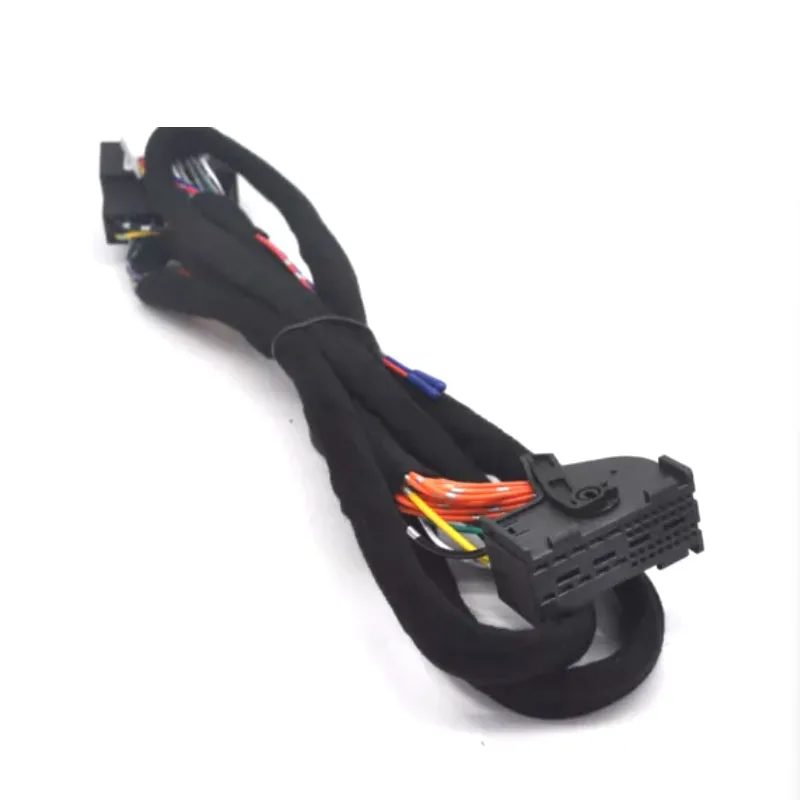
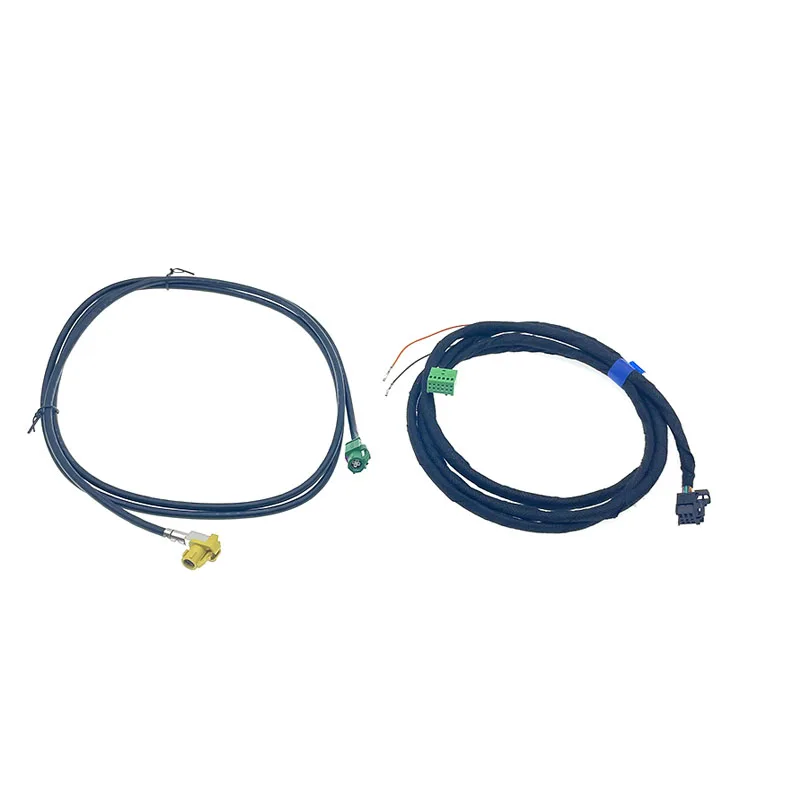
Retrofitting modern CarPlay functionality and DSP audio systems requires specialized connection cables that bridge factory wiring harnesses with upgraded infotainment units. The MIB 2 CarPlay MDI USB AUX Plug Socket Switch Button Cable Wire FOR A3 8V and Retrofit DSP Connection cable adaptor extension For x253 GLC 2020 up represent two distinct upgrade paths for Audi and Mercedes vehicles respectively.
Understanding MIB 2 CarPlay MDI Cables
The MIB 2 (Modular Infotainment Platform) system requires specific MDI (Media Device Interface) cables that support both data transfer and charging protocols for CarPlay functionality. These cables connect between the vehicle's factory wiring harness and the upgraded infotainment head unit, translating signals for proper smartphone integration. The connector configuration must match your specific Audi chassis code—the A3 8V generation uses a different pinout than B9-platform vehicles.
Quality MIB 2 cables feature shielded wiring to prevent electromagnetic interference that can cause audio static or connection dropouts. The cable should include integrated switching circuitry that allows the infotainment system to detect whether a device is connected via USB or AUX input. Cheaper cables often lack proper shielding or use incorrect resistor values in the switch circuit, leading to intermittent recognition issues.
MIB 2 Cable Compatibility Requirements
Before purchasing, verify your vehicle has the MIB 2 platform rather than MIB 1 or MIB 2.5—these use incompatible connector types. The A3 8V (chassis code for third-generation A3 from late model years) requires cables with the 8V-specific connector configuration. Check your vehicle's PR codes or consult ETKA parts diagrams to confirm hardware compatibility. Vehicles originally equipped with Audi Concert or Symphony systems may need additional coding after cable installation.
The cable must support USB 2.0 data speeds minimum for stable CarPlay operation, with proper power delivery of 5V at 2.1A for device charging. Lightning-equipped iPhones require MFi-certified components within the cable assembly, though the vehicle-side connector remains manufacturer-specific. Android Auto implementations require identical hardware but may need different software activation.
DSP Connection Cables for Mercedes GLC
The DSP (Digital Sound Processor) connection cable for X253 GLC vehicles serves a completely different function—it taps into the factory Burmester or standard audio system's digital audio streams. This allows aftermarket DSP units to receive clean digital signals before factory amplification, enabling advanced sound tuning without signal degradation. The cable intercepts MOST (Media Oriented Systems Transport) bus signals or analog pre-amp outputs depending on the factory audio configuration.
Mercedes X253 GLC models from the indicated generation use a specific connector location behind the head unit or amplifier module. The extension cable provides additional length for routing to wherever the aftermarket DSP unit mounts—typically under seats or in cargo areas. Proper cable gauge matters for analog signals: minimum 20 AWG for signal lines prevents voltage drop over extended runs.
Installation Considerations for DSP Cables
Route DSP cables away from power wiring and high-current accessories to avoid induced noise. The MOST bus operates at optical or electrical protocols depending on model year—verify which your GLC uses before selecting cables. Electrical MOST uses 150-ohm impedance coaxial connections while optical uses fiber terminations. Mixing cable types causes complete signal loss.
Some GLC configurations require MOST bus termination resistors if you're intercepting signals mid-chain. The factory audio network expects specific impedance values; incorrect termination triggers error codes in COMAND or fault messages on the instrument cluster. Professional DSP installers often use MOST bypass adapters that maintain bus integrity while tapping signals.
Cable Quality Indicators
Aftermarket retrofit cables vary dramatically in quality. Look for injection-molded connector housings rather than hand-soldered assemblies—these provide better strain relief and weather resistance. The connector pins should be gold-plated copper rather than tin-plated steel to prevent corrosion in humid climates. Cable jackets should specify temperature ratings from -40°C to +85°C minimum for automotive environments.
Check that USB data lines use twisted-pair construction with drain wires—visible through the cable jacket as consistent spiral patterns. This construction maintains signal integrity across the cable length. For DSP cables handling analog audio, look for individually shielded conductor pairs with overall braided shields. Single-layer shielding is inadequate for low-level audio signals in electrically noisy vehicle environments.
Recommended Products
Hand-picked accessories related to this article
SaleRetrofit DSP Connection cable adaptor extension For x253 GLC 2020 up
 Sale
SaleMIB 2 CarPlay MDI USB AUX Plug Socket Switch Button Cable Wire FOR A3 8V
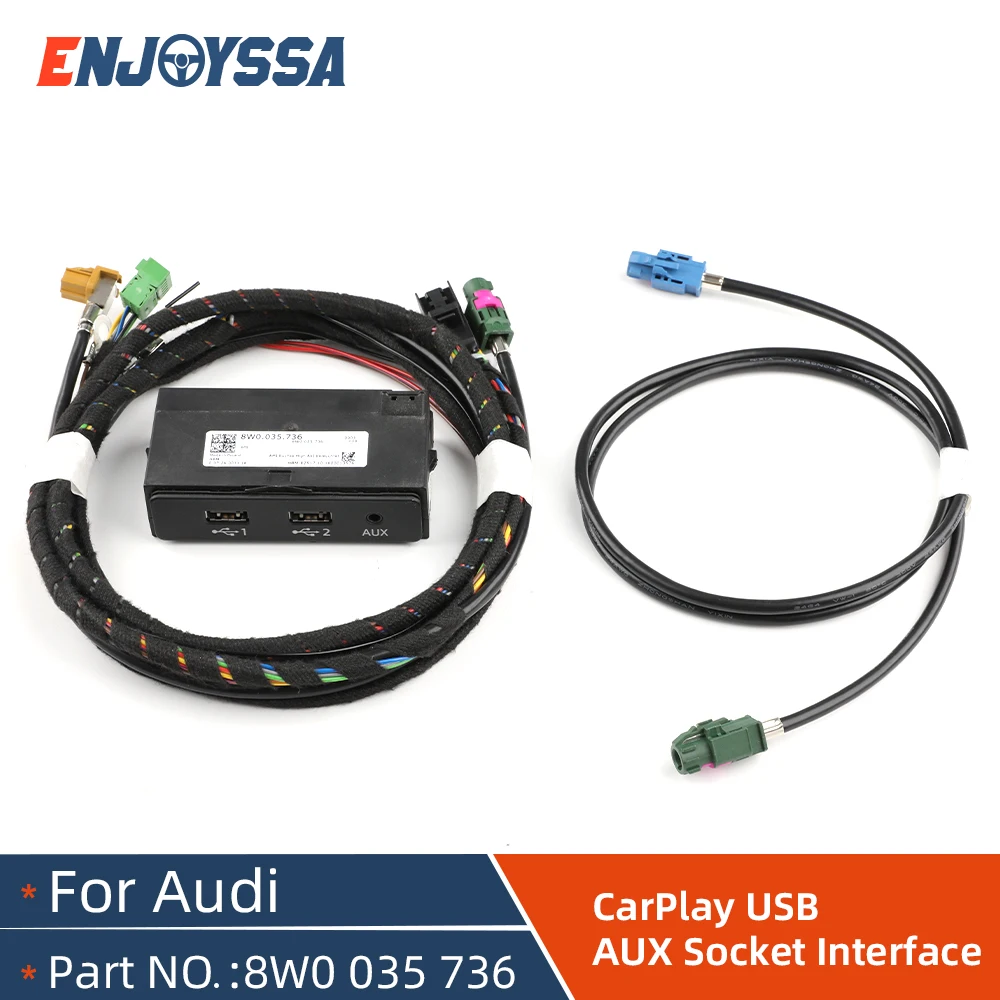
For VW Audi A4 B9 A5 B9 Q5 8W MIB 2 CarPlay MDI USB AUX IN Plug Cable Harness 8W0035736
SaleFor VW Audi A4 B9 A5 B9 Q5 8W MIB 2 CarPlay MDI USB AUX IN Plug Cable Harness 8W0035736
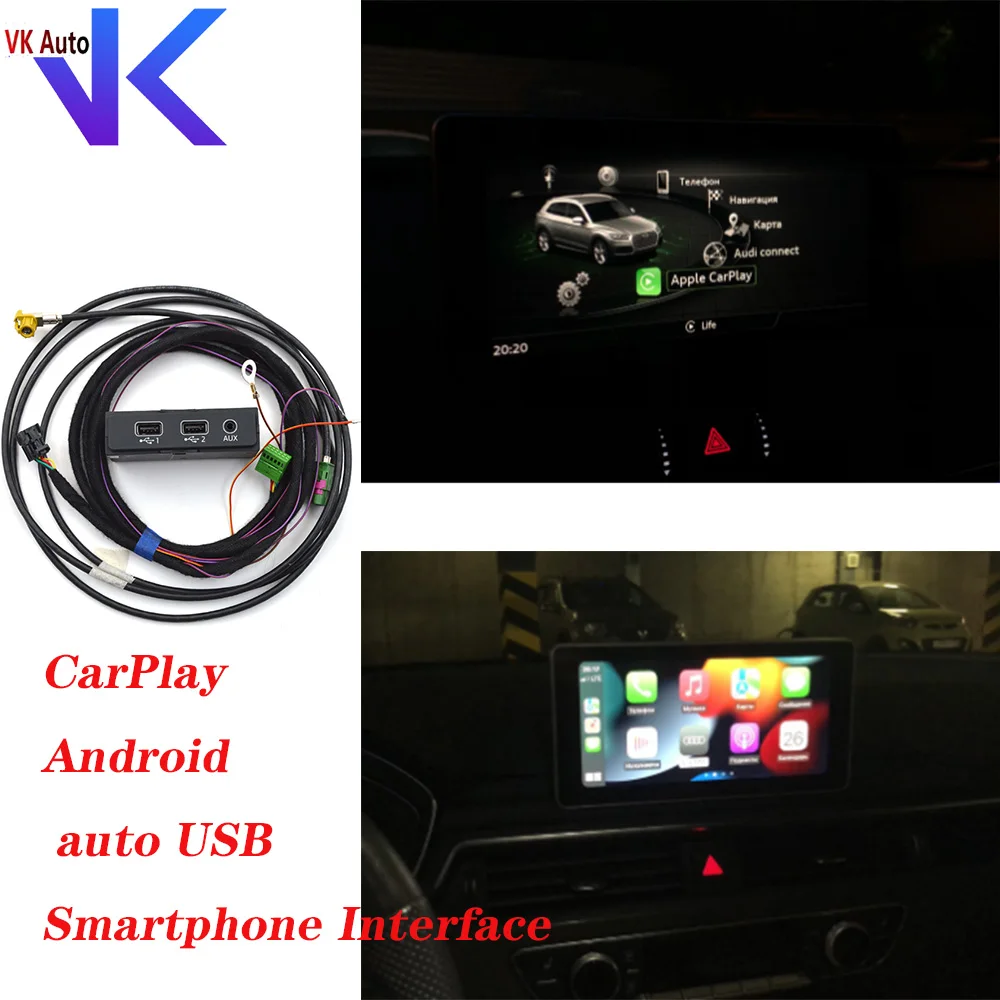
For VW Audi A4 B9 A5 B9 Q5 8W MIB 2 CarPlay MDI USB AUX IN Plug Cable 8W0 035 736 8W0035736 4M0 035 736 4M0 035 736
 Sale
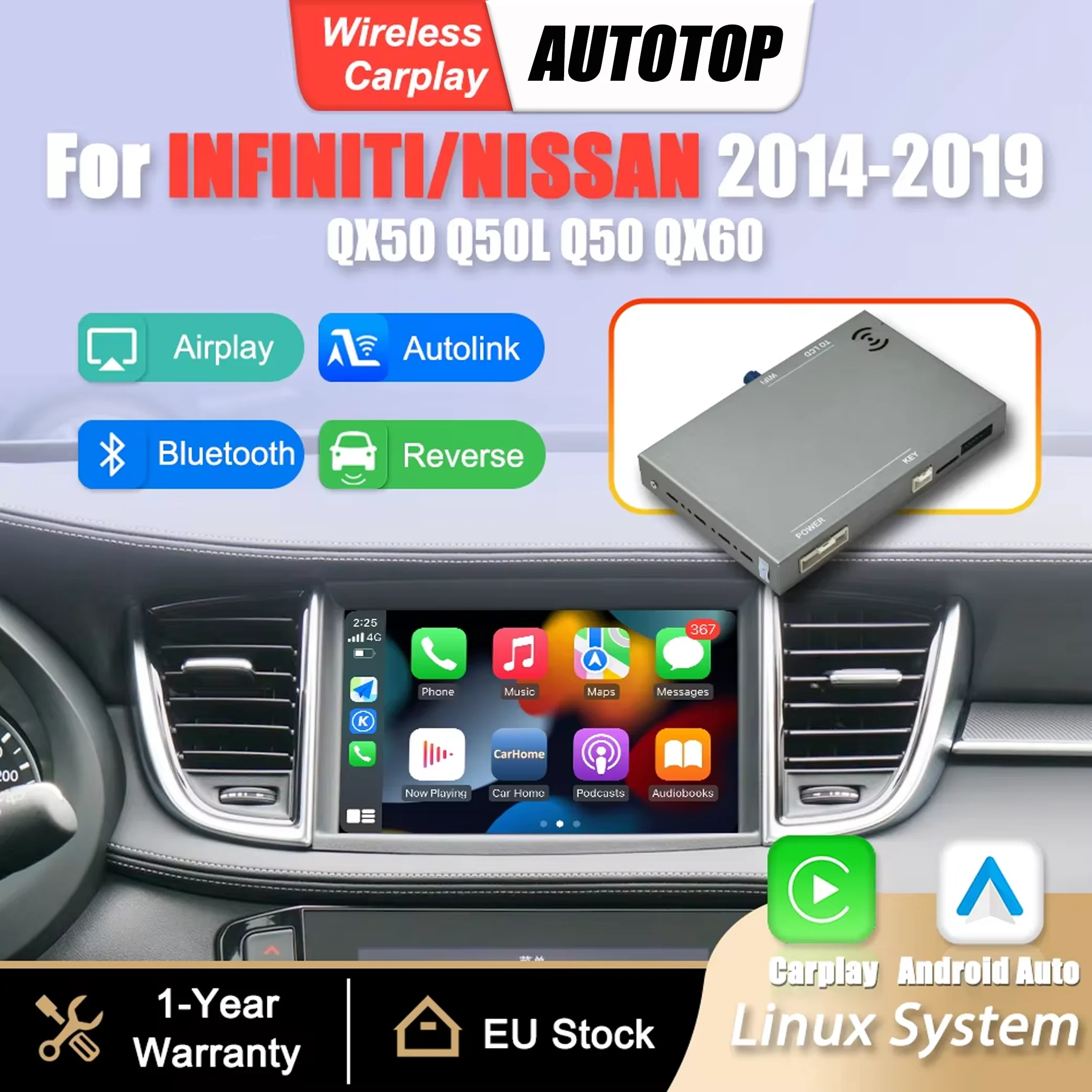
SaleWireless CarPlay Android Auto Interface Adapter Box For Infiniti QX50 Q50L Q50 Q60 QX60 Nissan Patrol 2015-2019 Mirror Link Airplay BT GPS Navigation Module
 Sale
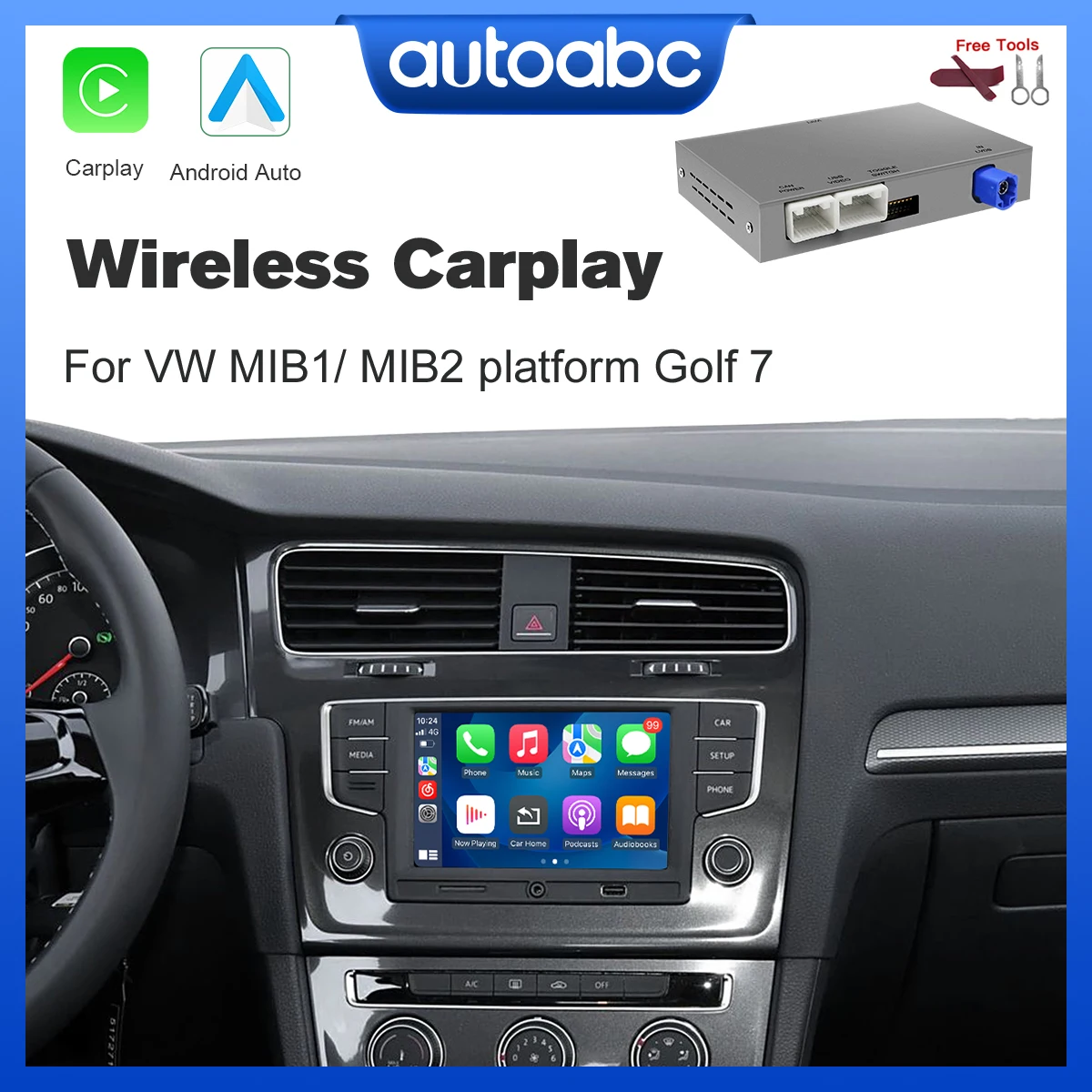
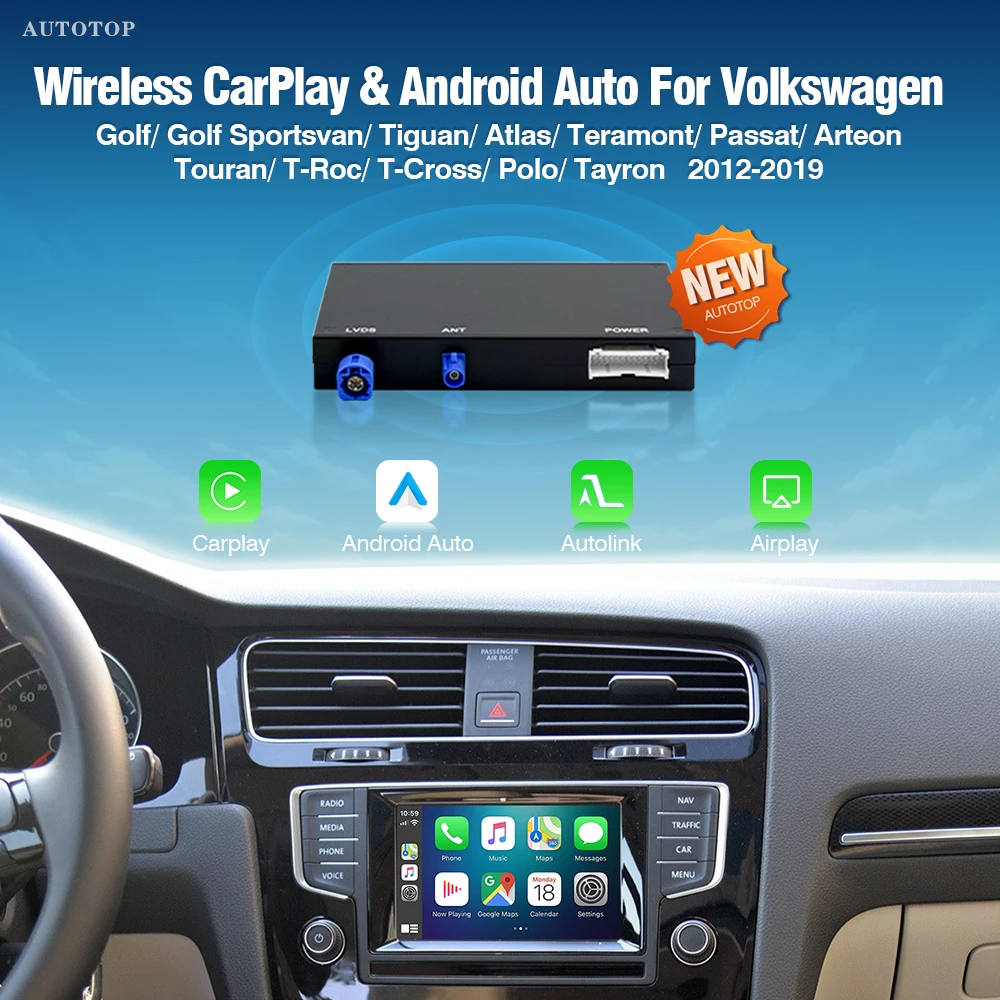
SaleAUTOTOP Wireless Carplay Android Auto For VW Volkswagen Golf 7 Seat Skoda mib mib2 Multimedia Support Mirror Link AirPlay Camera
Common Installation Issues
Many installation failures stem from incomplete connector seating. MIB 2 connectors require significant insertion force and should click audibly when fully seated. Partially connected cables create intermittent contact that appears as random disconnections. Always verify connector lock tabs engage completely before routing cables and reassembling trim panels.
For DSP installations, ground loop noise represents the most common problem. Ensure the aftermarket DSP unit grounds to the same point as the factory audio system—usually the body ground behind the head unit. Running separate ground wires to different chassis points creates potential differences that manifest as alternator whine or engine noise in the audio output.
Coding and Software Requirements
MIB 2 CarPlay retrofits typically require VCDS or OBDeleven coding to enable the CarPlay feature flag in the infotainment control module. The specific coding varies by model year and original equipment level. Some vehicles need only a single adaptation channel changed, while others require component protection removal and complete software reflashing. Budget time for troubleshooting coding issues beyond simple cable installation.
Mercedes DSP retrofits generally don't require factory coding since they intercept signals rather than replacing factory components. However, verify that installing aftermarket audio processing doesn't void specific warranty coverage. Some manufacturers track aftermarket modifications through CAN bus monitoring and flag systems for warranty exclusions.
Key Takeaways
- Verify exact chassis codes and platform versions before ordering—MIB 2 cables aren't universal across Audi models
- DSP connection cables for Mercedes GLC require matching MOST bus protocol (optical vs electrical) to factory equipment
- Quality cables use shielded construction, gold-plated connectors, and proper gauge wire for signal integrity
- MIB 2 retrofits typically need coding activation beyond physical cable installation
- Proper grounding and routing prevents noise issues in DSP audio installations
Frequently Asked Questions
Will MIB 2 cables work across different Audi models?
No—connector pinouts differ between chassis generations. An A3 8V cable won't fit B9-platform vehicles like A4/A5/Q5. Always match the cable to your specific chassis code. Using incorrect cables can damage infotainment modules through incorrect pin assignments.
Do I need professional installation for DSP connection cables?
While physically connecting the cable is straightforward, proper signal routing and ground loop elimination often requires professional audio installation experience. Incorrectly tapped MOST bus signals can disable the entire factory audio network and trigger fault codes requiring dealer diagnosis.
Can I use these cables with Android phones for Android Auto?
MIB 2 MDI cables support both CarPlay and Android Auto from a hardware perspective—the vehicle's infotainment software determines which protocols activate. Some vehicles require separate coding for Android Auto even if CarPlay functions properly. Check your specific model's capabilities before assuming both protocols work.
What's the difference between OEM and aftermarket retrofit cables?
OEM cables from Audi or Mercedes parts departments guarantee correct pinouts and materials but cost significantly more. Quality aftermarket cables use identical specifications at lower prices, while cheap alternatives may use incorrect wire gauges, inadequate shielding, or wrong connector genders that prevent proper fitment. Check return policies before purchasing aftermarket options.
This article was produced through comprehensive AI-powered research and editorial tools. While we strive for accuracy, all vehicle modifications, product purchases, and installation decisions are undertaken entirely at your own risk and responsibility. We recommend consulting a qualified automotive professional before making any changes to your vehicle.